Introduction
A laptop is one of the most important tools for work, education, and personal projects. However, even the most powerful laptop cannot deliver its full potential without the right accessories. In 2026, professionals, students, freelancers, and remote workers rely on laptop accessories to improve comfort, efficiency, and overall productivity.
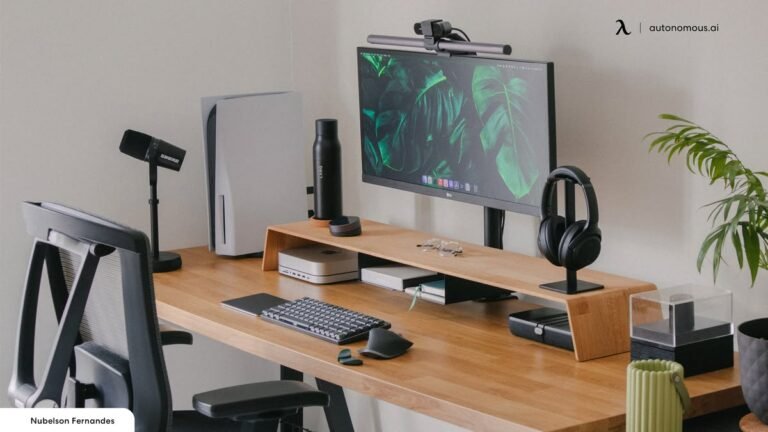
The right accessories can create a better workspace, reduce physical strain, improve organization, and help users complete tasks faster. Whether you work from home, travel frequently, attend classes, or manage a business, investing in quality laptop accessories can significantly enhance your daily workflow.
This guide explores the best laptop accessories for productivity in 2026 and explains how each one contributes to a more comfortable and efficient working experience.
Why Laptop Accessories Matter
Laptop accessories are designed to solve common challenges such as poor ergonomics, limited connectivity, low storage capacity, and workspace clutter. Instead of replacing your laptop, adding useful accessories often provides a more affordable way to improve performance and convenience.
Benefits include:
- Better posture and comfort
- Faster workflow
- Improved multitasking
- Enhanced organization
- Increased device protection
- Better video conferencing
- More efficient workspace
Adjustable Laptop Stand
A laptop stand remains one of the most valuable productivity accessories. Raising the laptop screen to eye level helps improve posture and reduces neck and shoulder strain during long working hours.
Modern adjustable stands allow users to customize height and viewing angles, making them suitable for office desks, home workspaces, and shared environments.
Features to look for include:
- Adjustable height
- Foldable design
- Aluminum construction
- Non-slip rubber pads
- Good airflow for cooling
External Keyboard
Using a separate keyboard allows your hands to remain in a natural typing position while the laptop screen sits at eye level.
Mechanical keyboards provide excellent tactile feedback for heavy typing, while low-profile wireless keyboards offer quiet operation and portability.
Important considerations include:
- Comfortable key travel
- Wireless or Bluetooth connectivity
- Rechargeable battery
- Compact or full-size layout
- Multi-device support
Wireless Mouse
A quality wireless mouse provides greater accuracy and speed compared to most laptop touchpads.
Professionals who edit documents, create graphics, analyze spreadsheets, or perform repetitive tasks benefit greatly from an ergonomic mouse.
Useful features include:
- Adjustable DPI
- Silent clicking
- Rechargeable battery
- Ergonomic shape
- Bluetooth connectivity
USB-C Docking Station
Modern laptops often have limited ports. A USB-C docking station expands connectivity by adding multiple ports through a single cable.
A good docking station may include:
- HDMI output
- DisplayPort
- USB-A ports
- USB-C ports
- Ethernet connection
- SD card reader
- Audio jack
Docking stations simplify workstation setup while reducing cable clutter.
External Monitor
A second display dramatically improves multitasking by allowing multiple applications to remain visible simultaneously.
Professionals working with spreadsheets, programming, video editing, content writing, or research can increase productivity with dual-screen setups.
When selecting an external monitor, consider:
- Full HD or 4K resolution
- IPS display
- Adjustable stand
- Thin bezels
- USB-C connectivity
Portable SSD
Fast external storage protects important files while providing additional capacity for large projects.
Portable SSDs offer:
- Fast data transfer
- Shock resistance
- Lightweight design
- Secure backup
- Easy portability
They are ideal for photographers, designers, students, and business professionals.
Noise-Canceling Headphones
Noise distractions reduce focus and efficiency. Active noise-canceling headphones create a quieter work environment, especially in offices, cafés, airports, and shared workspaces.
Benefits include:
- Better concentration
- Improved virtual meetings
- Reduced background noise
- Comfortable long-term use
- High-quality audio
Laptop Cooling Pad
High temperatures can affect laptop performance during demanding tasks.
Cooling pads improve airflow underneath the laptop, helping reduce heat buildup while maintaining stable performance.
Look for:
- Quiet cooling fans
- Adjustable height
- USB-powered operation
- Lightweight construction
Webcam
Although many laptops include built-in cameras, external webcams typically deliver superior image quality.
A good webcam is valuable for:
- Video meetings
- Online teaching
- Content creation
- Live streaming
- Remote interviews
Choose one that supports at least 1080p resolution and automatic light correction.
USB-C Hub
For users who travel frequently, a compact USB-C hub provides essential connectivity without carrying a full docking station.
Common ports include:
- USB-A
- HDMI
- SD card slot
- USB-C charging
- Ethernet
A hub is an excellent companion for ultrabooks with minimal built-in ports.
Laptop Backpack
Protecting your laptop during travel is equally important.
A quality laptop backpack should include:
- Padded laptop compartment
- Water-resistant material
- Comfortable shoulder straps
- Multiple storage pockets
- Durable zippers
An organized backpack makes commuting easier while protecting valuable equipment.
Wireless Presenter
Professionals who regularly give presentations benefit from a wireless presenter.
Useful features include:
- Slide controls
- Laser pointer
- Long wireless range
- USB receiver
- Rechargeable battery
It allows smooth presentations without standing next to the laptop.
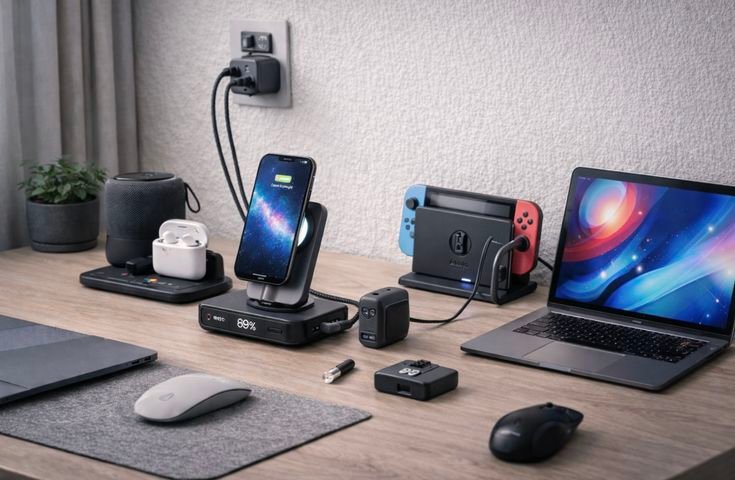
Cable Organizer
Messy cables create distractions and reduce workspace efficiency.
Cable organizers help manage:
- Charging cables
- USB cables
- HDMI cables
- Earphone wires
- Power adapters
A clean workspace often improves focus and productivity.
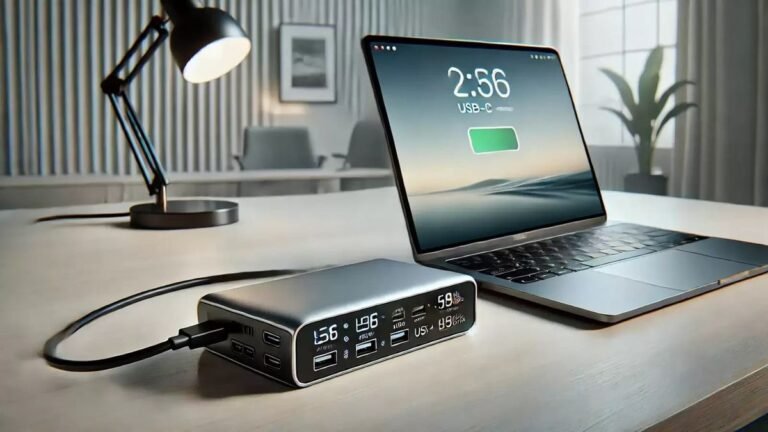
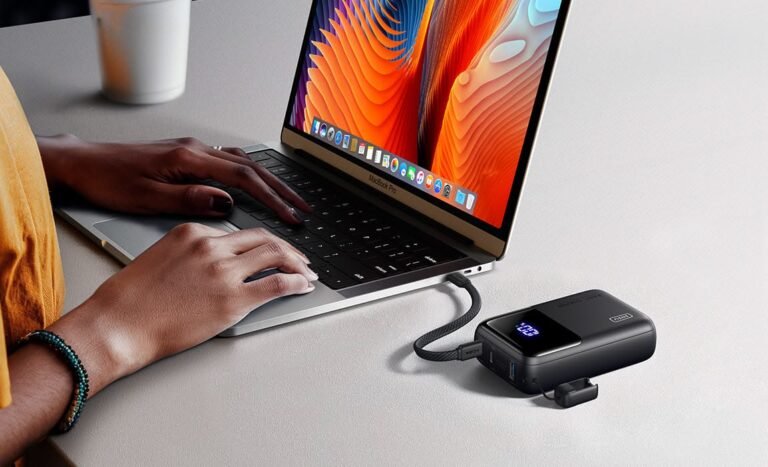
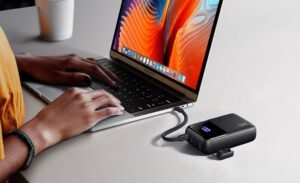
Portable Power Bank
USB-C laptop power banks have become increasingly useful in 2026.
They allow users to recharge laptops while:
- Traveling
- Working remotely
- Attending conferences
- Studying in libraries
- Flying
Select a power bank with sufficient output and compatibility for your laptop model.
Blue Light Glasses
Many professionals spend eight or more hours looking at screens every day.
Blue light filtering glasses may help reduce digital eye strain during extended computer sessions when combined with proper screen brightness and regular breaks.
Ergonomic Wrist Rest
Typing for long periods can place stress on wrists.
Foam or memory foam wrist rests improve comfort and help maintain proper hand positioning while using keyboards and mice.
Portable Monitor
Portable monitors have become increasingly popular among remote workers.
Advantages include:
- Dual-screen productivity anywhere
- Lightweight design
- USB-C connection
- Easy travel
- Better multitasking
They are particularly useful for business travelers and digital professionals.
Smart Desk Lamp
Proper lighting improves concentration while reducing eye fatigue.
Many smart desk lamps now offer:
- Adjustable brightness
- Color temperature control
- USB charging
- Touch controls
- Energy-efficient LED lighting
Tips for Choosing Laptop Accessories
Before purchasing accessories, consider the following:
- Verify compatibility with your laptop.
- Prioritize accessories that solve your daily challenges.
- Choose durable products from reputable manufacturers.
- Read verified customer reviews.
- Compare warranty coverage.
- Consider portability if you travel frequently.
- Avoid buying unnecessary accessories that add clutter.
Common Mistakes to Avoid
Many buyers make avoidable purchasing mistakes.
These include:
- Ignoring compatibility
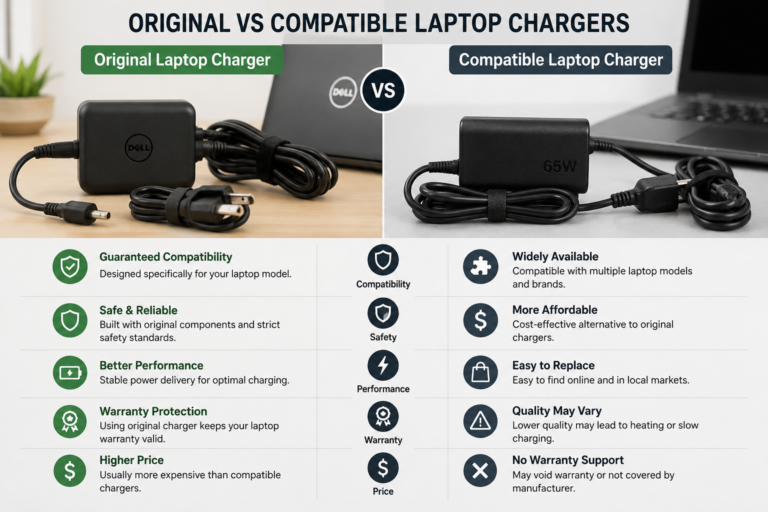
- Buying low-quality chargers
- Choosing style over functionality
- Purchasing accessories without warranties
- Forgetting ergonomic needs
- Overlooking workspace organization
Making informed decisions helps maximize your investment.
Frequently Asked Questions
Which laptop accessory improves productivity the most?
An adjustable laptop stand combined with an external keyboard and wireless mouse provides one of the biggest productivity improvements by creating a more ergonomic workspace.
Is a docking station worth buying?
Yes. A docking station simplifies cable management and expands connectivity, making it ideal for professionals who regularly connect multiple devices.
Do external monitors increase productivity?
Yes. A second monitor allows easier multitasking, faster workflow, and improved organization of applications and documents.
Should students buy laptop accessories?
Absolutely. Accessories such as backpacks, portable SSDs, wireless mice, and laptop stands improve both comfort and study efficiency.
Are expensive accessories always better?
Not necessarily. Many affordable accessories provide excellent value. Focus on build quality, compatibility, and features rather than price alone.
Conclusion
The best laptop accessories for productivity in 2026 are those that improve comfort, efficiency, organization, and device performance. Accessories such as adjustable laptop stands, external keyboards, wireless mice, docking stations, portable SSDs, noise-canceling headphones, and external monitors help users create a workspace that supports focused and efficient work.
Whether you are a student, remote worker, business professional, freelancer, or content creator, choosing the right accessories can transform your laptop into a complete productivity workstation. By investing in practical, high-quality accessories that match your needs, you can work more comfortably, stay organized, and accomplish more every day.