


Introduction
A laptop charger is one of the most important accessories for keeping your device powered and performing reliably. Whether you are replacing a damaged charger, purchasing a spare for travel, or upgrading to a faster charging solution, selecting the correct charger is essential. Using an incompatible charger may result in slow charging, reduced battery performance, overheating, or even damage to your laptop.
In 2026, laptops use a variety of charging technologies, including traditional barrel connectors and modern USB-C Power Delivery (PD). Understanding your laptop’s charging requirements helps you make a safe and informed purchase.
This guide explains how to choose the right laptop charger and the key factors you should consider before buying one.
Why Choosing the Right Charger Matters
Your laptop charger supplies the power needed to operate the device and recharge its battery. A charger that does not match your laptop’s specifications can affect both performance and battery health.
Benefits of choosing the correct charger include:
- Safe charging
- Faster battery charging
- Longer battery lifespan
- Stable laptop performance
- Better energy efficiency
- Reduced risk of overheating
A quality charger also helps protect your laptop’s internal power components.
Check Your Laptop’s Power Requirements
Before buying a charger, verify your laptop’s required input.
The easiest way is to:
- Read the label on the original charger.
- Check the laptop manufacturer’s website.
- Review the laptop user manual.
- Look at the specifications printed on the bottom of the laptop.
Important information includes:
- Voltage (V)
- Current (A)
- Wattage (W)
Matching these specifications is essential.
Understand Wattage
Wattage indicates how much power a charger can deliver.
Common laptop charger ratings include:
- 45W
- 65W
- 90W
- 100W
- 120W
- 140W
What Happens If Wattage Is Too Low?
A charger with insufficient wattage may:
- Charge very slowly
- Fail to charge during heavy use
- Cause reduced laptop performance
Can You Use Higher Wattage?
Yes, in most cases. A higher-wattage charger is generally safe if the voltage matches and the charger is compatible with your laptop. The laptop draws only the amount of power it requires.
Match the Voltage
Voltage must match your laptop’s requirements.
Using the wrong voltage can lead to:
- Charging problems
- System instability
- Potential hardware damage
Always confirm the voltage before purchasing a replacement charger.
Verify the Connector Type
Laptop chargers use different connector styles.
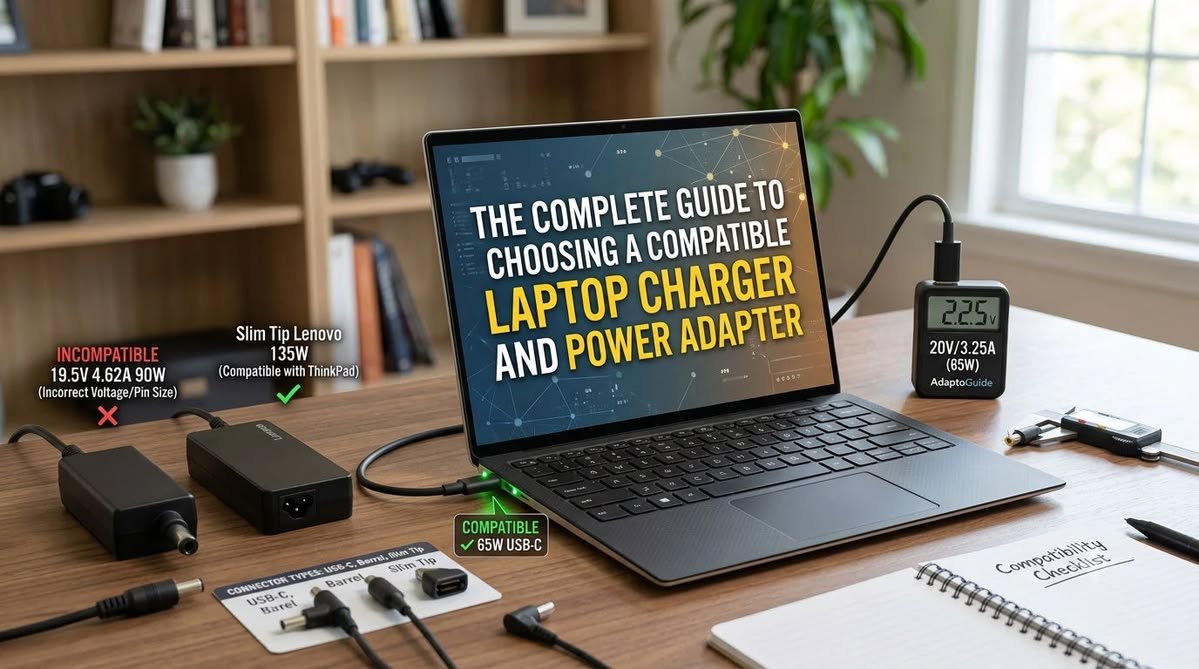
Common connector types include:
Barrel Connector
Many traditional laptops use a round barrel connector available in different sizes.
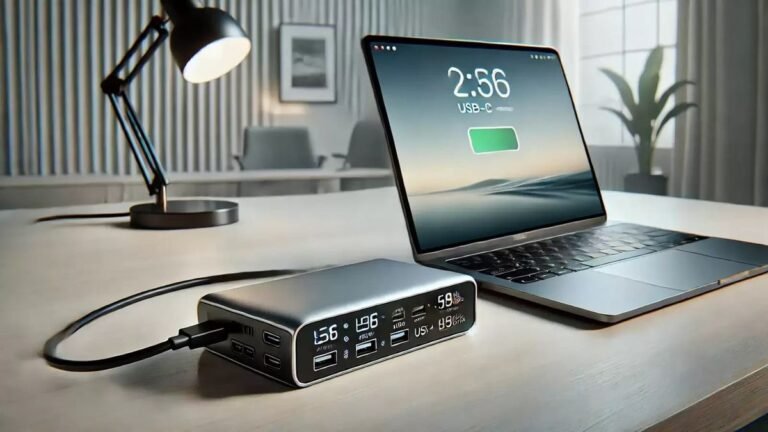
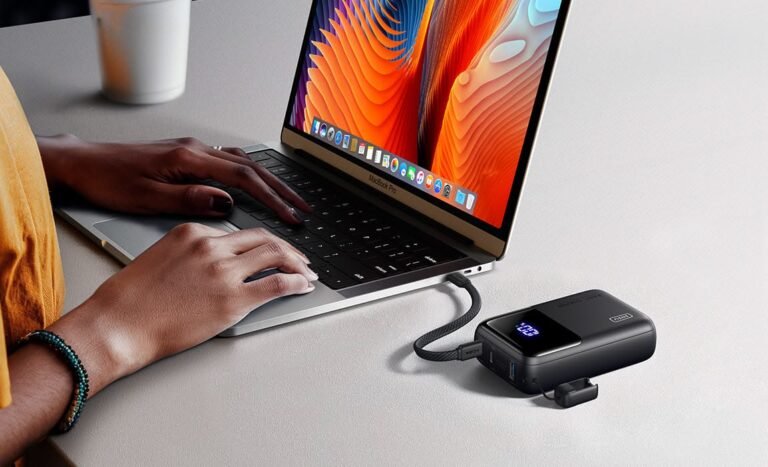
USB-C Power Delivery
Most modern laptops support USB-C charging.
Benefits include:
- Universal compatibility
- Faster charging
- Reversible connector
- Single cable for multiple devices
Always verify that your laptop supports USB-C charging before purchasing a USB-C charger.
Choose a Certified Charger
Quality matters when purchasing power accessories.
Choose chargers that meet recognized safety standards and are manufactured by trusted brands.
Reliable chargers typically include:
- Over-voltage protection
- Over-current protection
- Short-circuit protection
- Temperature protection
Safety features help reduce the risk of electrical damage.
Consider Charging Speed
Many modern laptops support fast charging technologies.
Fast charging can provide:
- Shorter charging times
- Improved convenience
- Better productivity for travelers
However, both the laptop and charger must support the same fast-charging standard.
Cable Quality
The charging cable is just as important as the power adapter.
Look for:
- Durable insulation
- Reinforced connectors
- Flexible construction
- Heat-resistant materials
Poor-quality cables wear out quickly and may reduce charging reliability.
Travel-Friendly Features
If you travel frequently, choose a charger that is:
- Lightweight
- Compact
- Easy to pack
- Compatible with international voltage (if required)
Some chargers also include foldable plugs for easier storage.
Multi-Port Chargers
Many USB-C chargers now include multiple ports.
Advantages include:
- Charge a laptop and smartphone simultaneously
- Reduce the number of chargers you carry
- Improve travel convenience
Always ensure the charger can deliver sufficient power when multiple devices are connected.
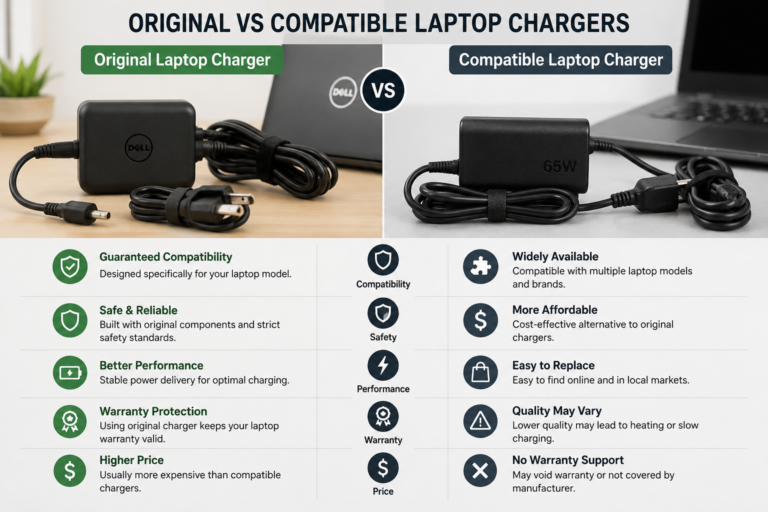
Original vs Compatible Chargers
When replacing a charger, you generally have two options.
Original Charger
Advantages:
- Guaranteed compatibility
- Manufacturer-tested
- Reliable performance
- High-quality components
Compatible Charger
Advantages:
- Lower cost
- Wide availability
- Suitable for many laptop models
Choose only reputable compatible chargers that meet your laptop’s specifications and include safety certifications.
Build Quality
A durable charger lasts longer and performs more reliably.
Check for:
- Strong cable reinforcement
- High-quality housing
- Good heat management
- Durable connector design
Well-built chargers often provide better long-term value.
Signs You Need a New Charger
Replace your charger if you notice:
- Frayed cables
- Loose connectors
- Intermittent charging
- Excessive heat
- Burn marks
- Unusual noises
- Slow charging despite a healthy battery
Using a damaged charger can pose safety risks.
Tips Before Buying
Keep these recommendations in mind:
- Match voltage exactly.
- Verify the required wattage.
- Confirm connector compatibility.
- Buy from trusted manufacturers.
- Read customer reviews.
- Check warranty coverage.
- Avoid extremely cheap chargers with unknown origins.
Taking a few minutes to compare specifications can help prevent costly mistakes.
Common Buying Mistakes
Avoid these common errors:
- Buying the wrong connector
- Ignoring voltage requirements
- Choosing insufficient wattage
- Purchasing uncertified chargers
- Ignoring cable quality
- Assuming all USB-C chargers are identical
Not every USB-C charger supports the same power output, so always verify compatibility.
Frequently Asked Questions
Can I use a higher-watt charger?
Yes. If the voltage and connector are compatible, a higher-wattage charger is generally safe because the laptop only uses the power it requires.
Is USB-C charging better?
USB-C Power Delivery offers convenience, broad compatibility, and fast charging for many modern laptops that support it.
Can a low-watt charger damage my laptop?
It usually will not damage the laptop, but it may charge slowly or fail to keep the battery charged during demanding tasks.
Should I buy an original charger?
An original charger is often the safest choice because it is designed specifically for your laptop model. High-quality compatible chargers can also be suitable if they meet all required specifications.
How long does a laptop charger typically last?
With proper care, a quality charger can last several years. Avoid bending cables sharply and protect the charger from excessive heat and moisture to extend its lifespan.
Conclusion
Choosing the right laptop charger is essential for safe, reliable, and efficient charging. By matching the correct voltage, wattage, and connector type while selecting a charger from a trusted manufacturer, you can protect your laptop and maintain consistent performance.
Whether you need a replacement charger, a travel charger, or a modern USB-C Power Delivery adapter, taking the time to verify compatibility will help you avoid charging issues and extend the life of both your laptop and its battery throughout 2026 and beyond.