


Introduction
A laptop is designed for portability, but using it directly on a desk for long periods can lead to poor posture, neck pain, shoulder tension, and wrist discomfort. One of the easiest ways to improve your workstation is by using an ergonomic laptop stand. A properly designed stand raises your laptop screen to a comfortable height, helping you maintain better posture and work more efficiently.
In 2026, ergonomic laptop stands are available in various styles, materials, and designs. Some are ideal for permanent office setups, while others are lightweight and foldable for travel. Choosing the right model depends on your workspace, laptop size, and daily usage.
This guide explains everything you need to know when selecting an ergonomic laptop stand.
What Is an Ergonomic Laptop Stand?
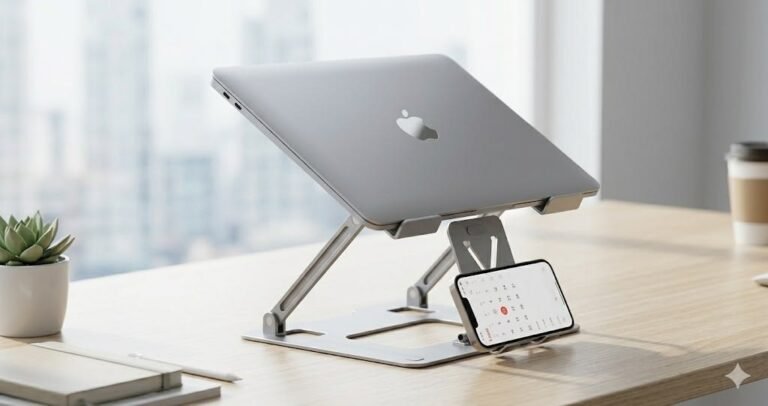
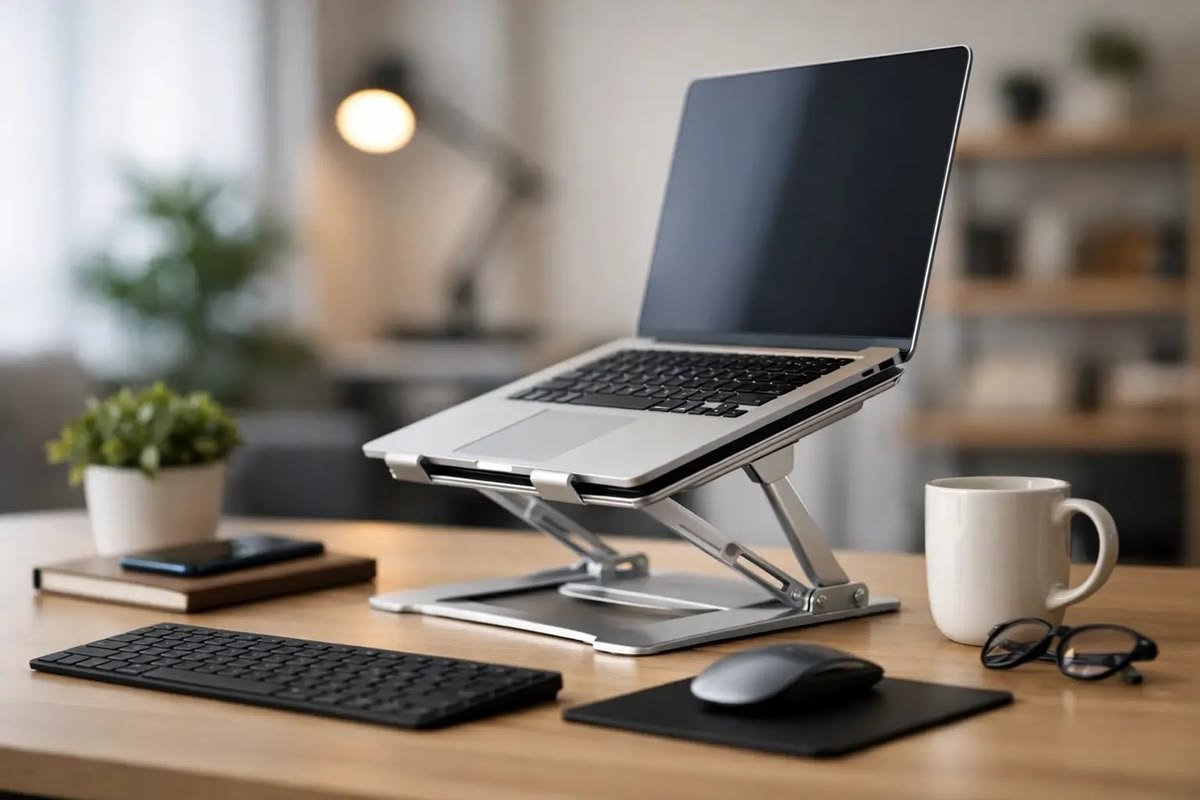
An ergonomic laptop stand is an accessory that raises and supports your laptop at a comfortable viewing height. Unlike basic stands, ergonomic models allow you to adjust the height and angle to match your sitting position.
The main goal is to reduce physical strain while improving comfort and productivity.
Why Use an Ergonomic Laptop Stand?
Using your laptop at desk level often forces you to look downward, placing unnecessary stress on your neck and back.
An ergonomic stand helps:
- Improve posture
- Reduce neck pain
- Decrease shoulder tension
- Minimize wrist strain
- Improve screen visibility
- Increase productivity
- Create a healthier workspace
Small ergonomic improvements can make a significant difference during long working hours.
Adjustable Height Is Essential
Height adjustment is the most important feature of an ergonomic laptop stand.
A good stand allows you to position the top of the laptop screen near eye level.
Benefits include:
- Comfortable viewing position
- Better spinal alignment
- Reduced neck movement
- Less muscle fatigue
Choose a stand with multiple height settings to accommodate different desks and chairs.
Adjustable Viewing Angle
The ability to tilt your laptop provides additional comfort.
Adjustable angles help:
- Reduce screen glare
- Improve visibility
- Support comfortable video meetings
- Create a better typing position when needed
Multiple adjustment points make the stand more versatile.
Choose a Stable Design
A laptop stand should remain stable while typing or adjusting the screen.
Look for:
- Wide support base
- Strong hinges
- Reinforced frame
- Anti-slip rubber feet
- Secure laptop grips
A stable stand protects both your laptop and your workspace.
Select the Right Material
The material affects durability, weight, and cooling performance.
Popular options include:
Aluminum
Advantages:
- Lightweight
- Durable
- Excellent heat dissipation
- Modern appearance
Steel
Benefits:
- Very strong
- High weight capacity
- Long lifespan
Steel stands are often heavier but extremely durable.
Reinforced Plastic
Advantages:
- Affordable
- Lightweight
- Portable
High-quality plastic models work well for everyday use.
Check Laptop Compatibility
Before buying, verify the stand supports your laptop size.
Most ergonomic stands accommodate:
- 11-inch laptops
- 13-inch laptops
- 14-inch laptops
- 15.6-inch laptops
- 16-inch laptops
- 17-inch laptops
Also check the maximum weight capacity if you own a larger workstation laptop.
Cooling and Ventilation
Good airflow helps maintain laptop performance.
Look for designs with:
- Open-frame construction
- Ventilation slots
- Elevated positioning
- Heat-dissipating materials
Better airflow reduces heat buildup during demanding tasks such as video editing, programming, and multitasking.
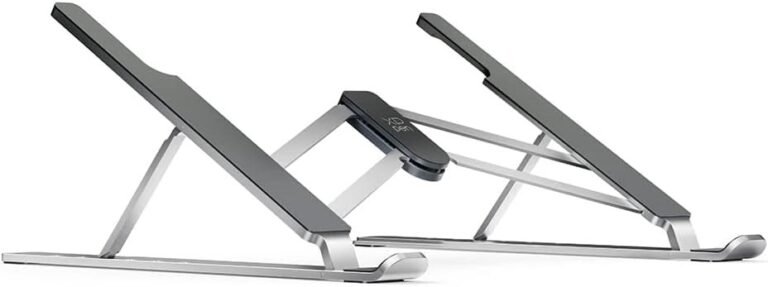
Foldable or Fixed Design
Your work style determines which design is best.
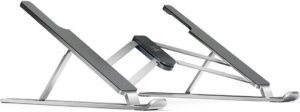
Foldable Laptop Stand
Best for:
- Business travelers
- Students
- Hybrid workers
- Remote professionals
Advantages:
- Lightweight
- Portable
- Easy storage
Fixed Laptop Stand
Best for:
- Permanent office desks
- Home offices
- Long working sessions
Advantages:
- Excellent stability
- Strong construction
- Minimal movement
Non-Slip Protection
Rubber padding helps keep your laptop securely in place.
Important features include:
- Silicone support pads
- Anti-slip feet
- Scratch protection
- Secure grip
These features improve safety during daily use.
Weight and Portability
If you travel frequently, choose a lightweight stand that fits easily into your backpack.
Portable stands typically offer:
- Foldable construction
- Slim profile
- Lightweight materials
- Quick setup
Office users who rarely move their equipment may prefer heavier models with additional stability.
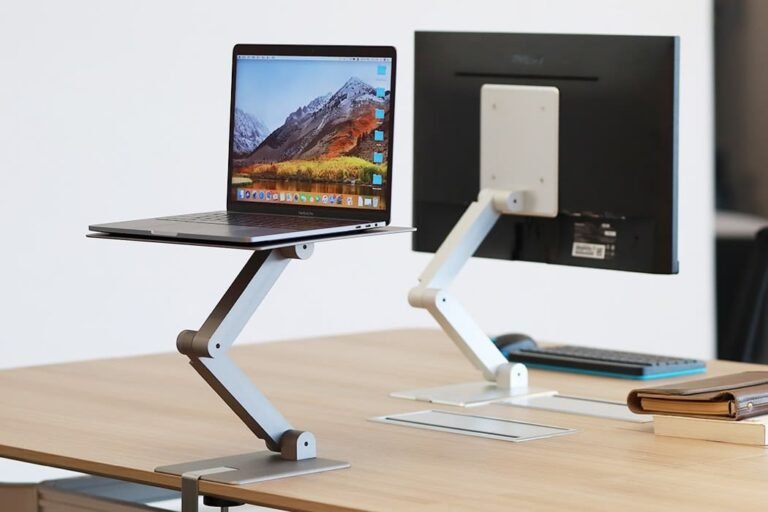
Pair It with External Accessories
An ergonomic laptop stand works best when combined with:
- External keyboard
- Wireless mouse
- External monitor
- USB-C docking station
- Webcam
These accessories create a comfortable desktop-style workstation while maintaining laptop flexibility.
Workspace Compatibility
Before purchasing, consider your workspace.
Questions to ask include:
- Is your desk large enough?
- Do you frequently travel?
- Do you use an external monitor?
- Will multiple people use the stand?
- Do you need adjustable height every day?
Answering these questions helps narrow your choices.
Tips for Choosing the Best Ergonomic Laptop Stand
Before buying, remember to:
- Measure your laptop.
- Check the stand’s weight capacity.
- Choose adjustable height and angle.
- Prioritize stability over appearance.
- Select durable materials.
- Read verified customer reviews.
- Compare warranty coverage.
These steps increase the likelihood of a satisfying purchase.
Common Buying Mistakes
Avoid these common mistakes:
- Buying the wrong size
- Choosing a stand without height adjustment
- Ignoring build quality
- Purchasing unstable models
- Forgetting ventilation
- Selecting appearance instead of functionality
Making an informed decision helps ensure long-term comfort and value.
Frequently Asked Questions
What height should my laptop screen be?
The top of the screen should be approximately at eye level when sitting comfortably. This helps reduce neck strain and supports proper posture.
Does an ergonomic laptop stand improve productivity?
Yes. Better posture and improved comfort help reduce fatigue, allowing many users to stay focused and work more efficiently.
Are aluminum laptop stands better?
Aluminum stands are popular because they are lightweight, durable, and provide excellent heat dissipation.
Can I type directly on a raised laptop?
You can, but using an external keyboard and mouse is generally more comfortable and ergonomic for extended work sessions.
Are ergonomic laptop stands suitable for students?
Yes. Students who spend long hours studying, attending online classes, or completing assignments can benefit from improved posture and reduced physical strain.
Conclusion
Choosing the right ergonomic laptop stand is one of the simplest ways to improve your daily workspace. A quality stand helps raise your laptop to eye level, improves posture, enhances cooling, reduces physical discomfort, and supports better productivity.
When selecting a laptop stand, focus on adjustable height, stable construction, durable materials, compatibility, portability, and effective ventilation. Whether you work from an office, study at home, or travel regularly, investing in a well-designed ergonomic laptop stand will create a healthier, more comfortable, and more productive computing experience throughout 2026 and beyond.