Introduction
Remote work has become a standard way of working for millions of professionals worldwide. Whether you work from home full-time, follow a hybrid schedule, or travel while working, having the right laptop accessories can dramatically improve productivity, comfort, and efficiency. A well-equipped workspace not only helps you complete tasks faster but also reduces physical strain during long hours in front of a computer.
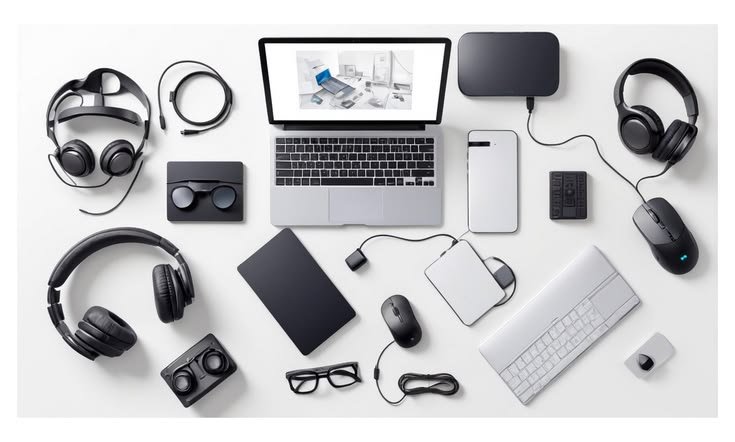
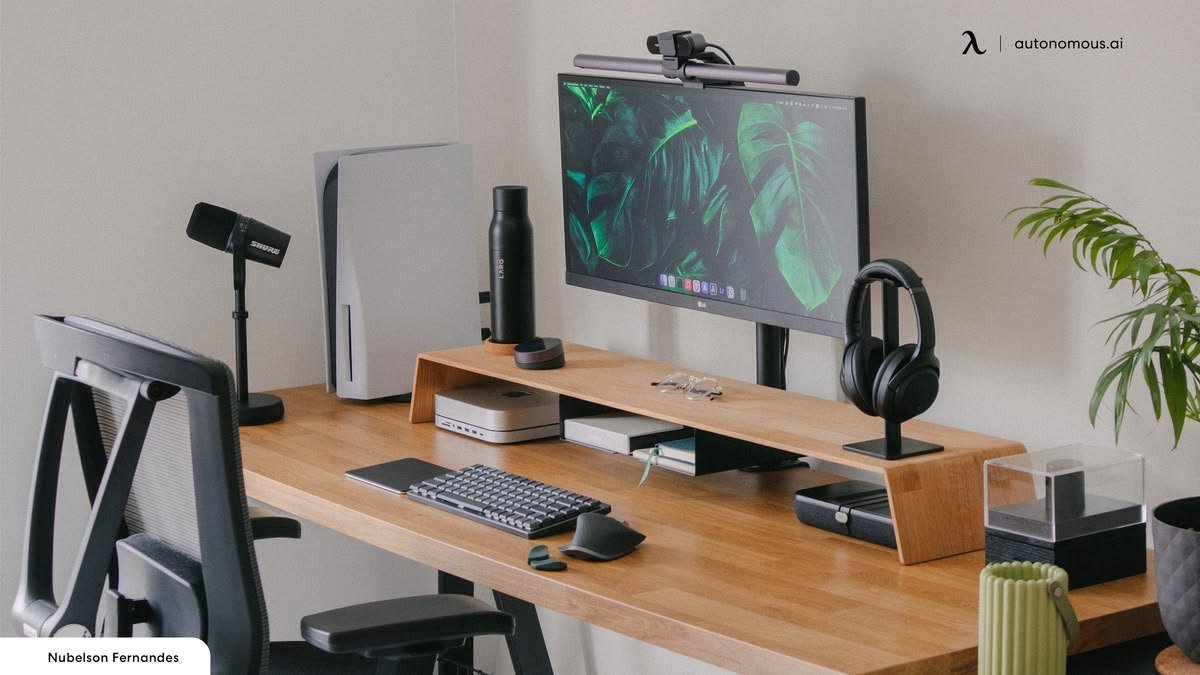
In 2026, remote workers have access to a wide range of accessories designed to create an organized, ergonomic, and professional workspace. From adjustable laptop stands and external monitors to noise-canceling headphones and USB-C docking stations, choosing the right equipment can transform an ordinary desk into a productive office.
This guide explores the must-have accessories for remote work setups and explains how each one contributes to a better work experience.
Why Accessories Matter for Remote Work
Working remotely often means spending several hours using a laptop every day. Without the proper accessories, users may experience poor posture, limited connectivity, workspace clutter, and reduced productivity.
Benefits of using the right accessories include:
- Improved comfort during long work sessions
- Better posture and reduced fatigue
- Faster multitasking
- Enhanced video meeting quality
- Cleaner and more organized workspaces
- Increased laptop protection
- Greater workflow efficiency
Investing in quality accessories is often more affordable than upgrading your laptop while still providing noticeable productivity improvements.
Adjustable Laptop Stand
An adjustable laptop stand is one of the most important accessories for remote workers. Raising the screen to eye level helps maintain proper posture and reduces neck and shoulder strain.
Features to consider include:
- Adjustable height
- Foldable design
- Aluminum construction
- Anti-slip pads
- Cooling ventilation
Using a laptop stand with an external keyboard and mouse creates a much more ergonomic workstation.
External Monitor
A second display allows remote workers to keep multiple applications open simultaneously.
Benefits include:
- Easier multitasking
- Better spreadsheet management
- Improved video editing
- Faster research
- More efficient workflow
Choose a monitor with Full HD or 4K resolution, an IPS panel, and adjustable height for maximum comfort.
Wireless Keyboard
An external keyboard allows for a more natural typing position and helps reduce wrist fatigue.
Look for features such as:
- Comfortable key travel
- Bluetooth connectivity
- Rechargeable battery
- Quiet keys
- Multi-device support
Wireless keyboards also keep desks cleaner by reducing cable clutter.
Ergonomic Wireless Mouse
A wireless mouse offers greater precision than a laptop touchpad and improves overall navigation.
Important features include:
- Adjustable DPI
- Ergonomic grip
- Silent buttons
- Long battery life
- Bluetooth or USB receiver compatibility
Professionals working with spreadsheets, design software, or documents benefit greatly from a quality mouse.
USB-C Docking Station
Many modern laptops have limited ports. A USB-C docking station expands connectivity with a single cable.
Common ports include:
- HDMI
- DisplayPort
- USB-A
- USB-C
- Ethernet
- SD card reader
- Audio jack
Docking stations simplify workstation setup and reduce the need for constantly plugging and unplugging accessories.
Noise-Canceling Headphones
Background noise can reduce concentration and affect meeting quality. Noise-canceling headphones create a quieter environment, making them ideal for home offices and shared spaces.
Advantages include:
- Better focus
- Clear online meetings
- Reduced distractions
- Comfortable long-term use
- High-quality sound
A built-in microphone is an added advantage for video conferences.
HD Webcam
Professional video quality is important for virtual meetings, interviews, and client presentations.
An external webcam usually provides:
- Full HD or 4K resolution
- Better low-light performance
- Sharper image quality
- Wider viewing angles
- Improved autofocus
A high-quality webcam helps create a professional impression during online communication.
External Microphone
Clear audio is just as important as clear video. USB microphones provide better voice quality than most built-in laptop microphones.
Benefits include:
- Reduced background noise
- Clear communication
- Better recordings
- Professional online presentations
This accessory is particularly useful for online teachers, content creators, consultants, and business professionals.
Portable SSD
Remote workers often handle important files and large projects. A portable SSD provides secure, high-speed storage and backup.
Advantages include:
- Fast data transfer
- Compact size
- Reliable backups
- Shock resistance
- Easy portability
Regular backups help protect valuable work from unexpected data loss.
Laptop Cooling Pad
Heavy workloads can cause laptops to heat up, reducing performance.
Cooling pads improve airflow and help maintain stable operation during:
- Video editing
- Programming
- Graphic design
- Virtual meetings
- Multitasking
Choose models with quiet fans and adjustable height.
LED Desk Lamp
Proper lighting improves focus and reduces eye strain.
Modern desk lamps often feature:
- Adjustable brightness
- Color temperature control
- Touch controls
- USB charging ports
- Energy-efficient LED lighting
Good lighting also improves webcam image quality during meetings.
Cable Management Accessories
Remote workstations often involve multiple cables. Cable organizers help keep desks clean and organized.
Useful accessories include:
- Cable clips
- Cable sleeves
- Desk cable trays
- Velcro cable ties
An organized workspace makes daily work more efficient.
Laptop Backpack
Remote workers who travel between home, coworking spaces, and offices need a durable laptop backpack.
Look for:
- Padded laptop compartment
- Water-resistant material
- Comfortable straps
- Multiple storage compartments
- Strong zippers
A quality backpack protects both your laptop and accessories.
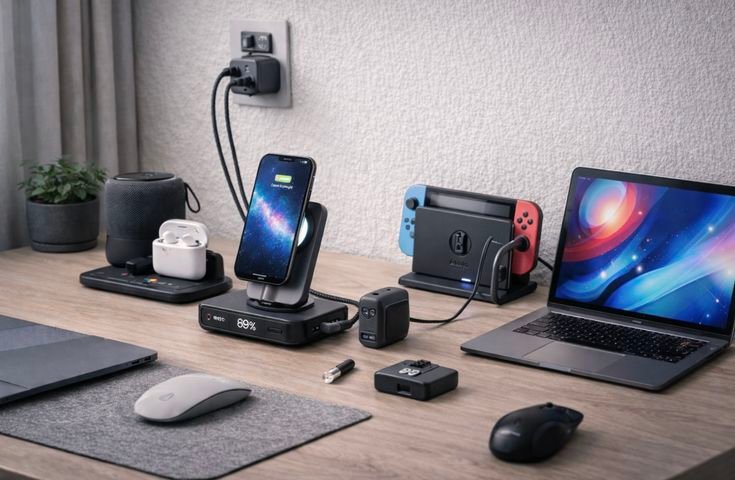
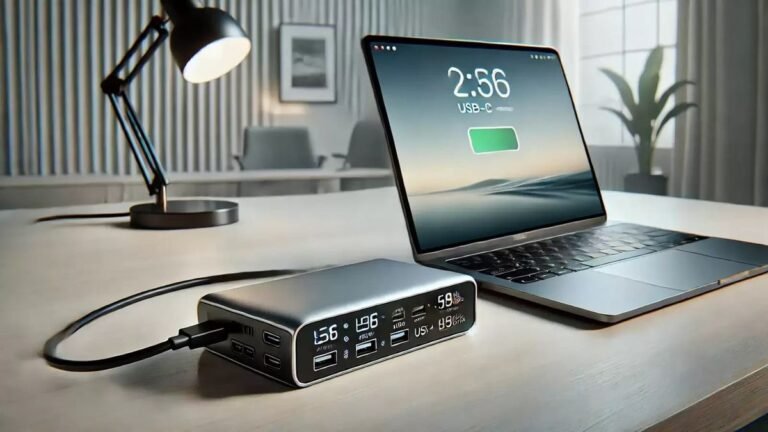
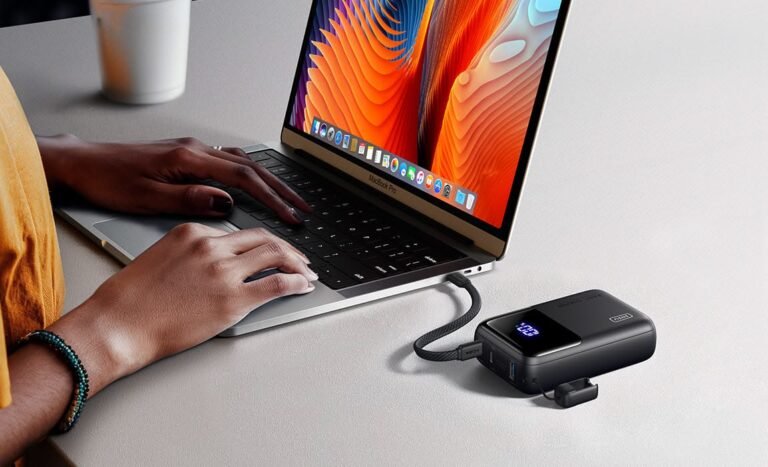
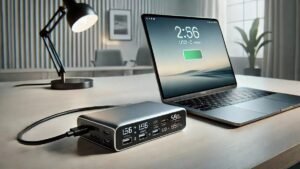
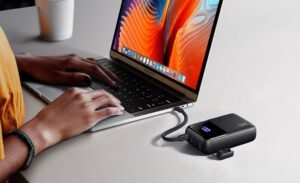
Portable Power Bank
Professionals working while traveling benefit from a USB-C laptop power bank.
Important features include:
- High-capacity battery
- Fast charging support
- USB-C Power Delivery
- Multiple output ports
- Safety protection features
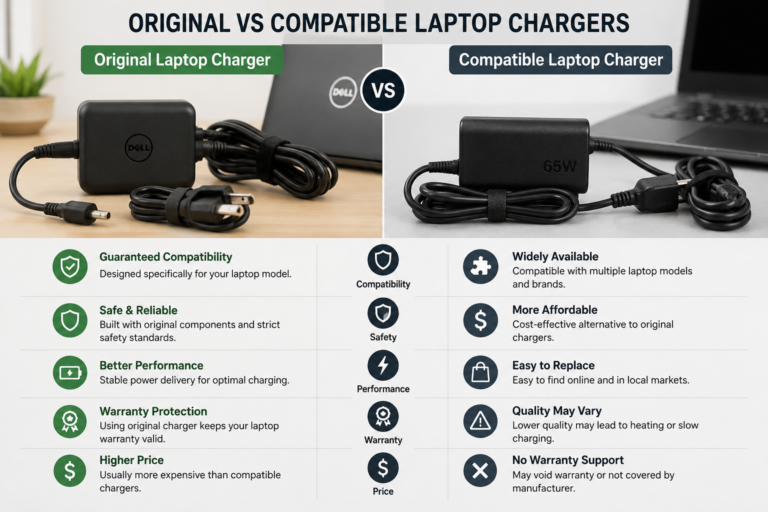
Always ensure compatibility with your laptop.
Smart Surge Protector
Protecting valuable equipment from power fluctuations is essential.
A quality surge protector offers:
- Multiple power outlets
- USB charging ports
- Overload protection
- Surge protection
- Long power cable
This simple accessory helps safeguard expensive electronics.
Tips for Building an Efficient Remote Workspace
To maximize productivity:
- Keep your desk organized.
- Position your screen at eye level.
- Use comfortable lighting.
- Reduce cable clutter.
- Back up important files regularly.
- Invest in ergonomic accessories.
- Maintain a distraction-free workspace.
Small improvements often lead to significant gains in comfort and efficiency.
Common Mistakes to Avoid
Remote workers should avoid:
- Working without ergonomic support
- Ignoring backup solutions
- Buying incompatible accessories
- Choosing poor-quality webcams or microphones
- Allowing cable clutter to build up
- Using uncomfortable chairs or desk arrangements
Thoughtful planning creates a workspace that supports long-term productivity.
Frequently Asked Questions
Which accessory improves remote work the most?
An adjustable laptop stand combined with an external keyboard and mouse provides one of the biggest improvements in comfort and productivity.
Is a second monitor worth it?
Yes. A second monitor makes multitasking easier and helps users manage documents, spreadsheets, emails, and meetings more efficiently.
Do remote workers need a docking station?
If you frequently connect multiple devices, a docking station simplifies your setup and reduces cable management issues.
Are noise-canceling headphones necessary?
They are highly beneficial for improving focus and delivering clear audio during virtual meetings, especially in noisy environments.
Should remote workers use external storage?
Yes. A portable SSD provides secure backups and additional storage for important files and projects.
Conclusion
A successful remote work setup goes beyond having a reliable laptop. Accessories such as adjustable laptop stands, external monitors, wireless keyboards, ergonomic mice, USB-C docking stations, webcams, microphones, portable SSDs, and noise-canceling headphones help create a comfortable and efficient workspace.
By investing in accessories that match your work style and daily needs, you can improve productivity, maintain better posture, reduce distractions, and create a professional environment that supports long-term success while working remotely.