


Introduction
Many people spend several hours every day working, studying, attending online meetings, or browsing the internet on their laptops. While laptops are designed for portability, using them directly on a desk for long periods can lead to poor posture, neck pain, wrist discomfort, and reduced productivity. One of the simplest ways to improve your workspace is by using a laptop stand.
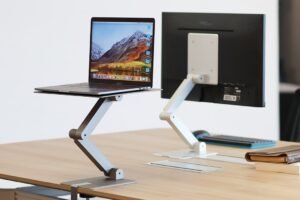
A laptop stand raises your screen to a comfortable viewing height, creating a more ergonomic setup and helping you work more efficiently. Whether you are a student, office employee, freelancer, programmer, or remote worker, using a laptop stand every day offers both health and productivity benefits.
This guide explains the major advantages of using a laptop stand and why it has become an essential accessory in 2026.
Improves Posture
One of the biggest benefits of a laptop stand is improved posture.
Without a stand, most users naturally look downward at their laptop screen, causing the neck and shoulders to bend forward. Over time, this posture can lead to discomfort and muscle strain.
A laptop stand raises the display closer to eye level, helping you:
- Sit upright
- Keep your shoulders relaxed
- Maintain proper spinal alignment
- Reduce slouching
Better posture contributes to greater comfort during long work sessions.
Reduces Neck Pain
Neck pain is one of the most common complaints among laptop users.
A laptop stand minimizes constant downward head movement by positioning the screen at a more natural viewing height.
Using a properly adjusted stand every day can help reduce:
- Neck stiffness
- Shoulder tension
- Upper back discomfort
- Muscle fatigue
This is especially important for professionals who spend many hours in front of a screen.
Minimizes Back Strain
Poor laptop positioning often causes users to lean forward while working.
A laptop stand encourages a healthier sitting position, reducing pressure on the lower and upper back.
Combined with a supportive chair, a laptop stand creates a more ergonomic workstation that promotes long-term comfort.
Improves Viewing Comfort
Looking at a properly positioned screen feels more natural.
An adjustable laptop stand allows you to customize the viewing angle and height according to your desk and chair.
Benefits include:
- Better screen visibility
- Reduced glare
- Improved focus
- More comfortable reading
This makes extended work sessions less tiring.
Increases Productivity
Comfort directly affects productivity.
When your workspace supports proper posture and reduces physical discomfort, you can stay focused for longer periods without frequent breaks caused by fatigue.
Many users report improvements in:
- Concentration
- Typing efficiency
- Task completion
- Overall workflow
Small ergonomic improvements often produce significant productivity gains.
Enhances Laptop Cooling
Heat is one of the biggest factors affecting laptop performance.
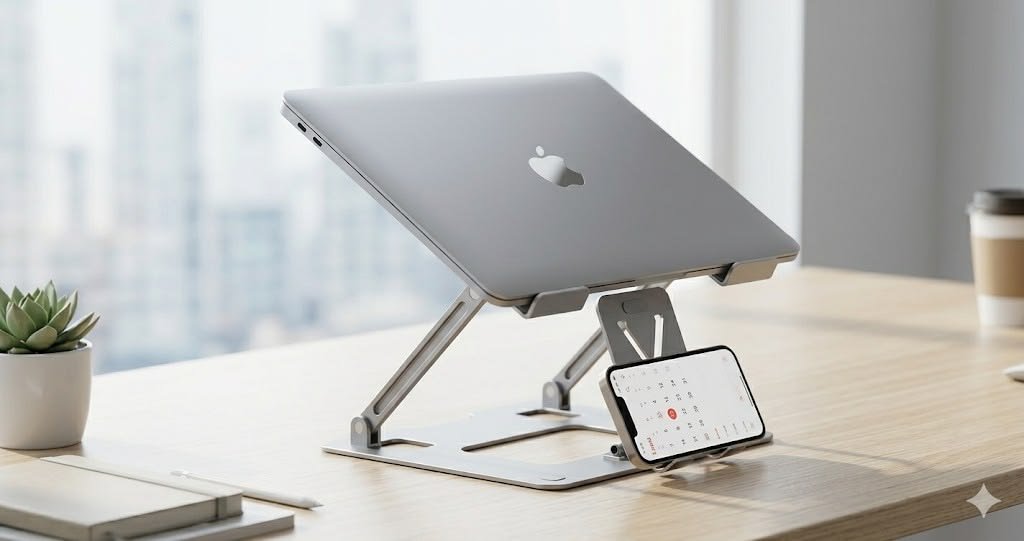
A laptop stand lifts the device off the desk, allowing air to circulate more freely underneath.
Improved airflow helps:
- Lower operating temperatures
- Reduce thermal throttling
- Maintain consistent performance
- Extend hardware lifespan
Some laptop stands also feature open-frame designs that further improve ventilation.
Creates More Desk Space
Raising your laptop frees up valuable desk space.
Many users place items beneath the stand, such as:
- External keyboard
- Notebook
- Documents
- Small accessories
A cleaner workspace makes it easier to stay organized and focused.
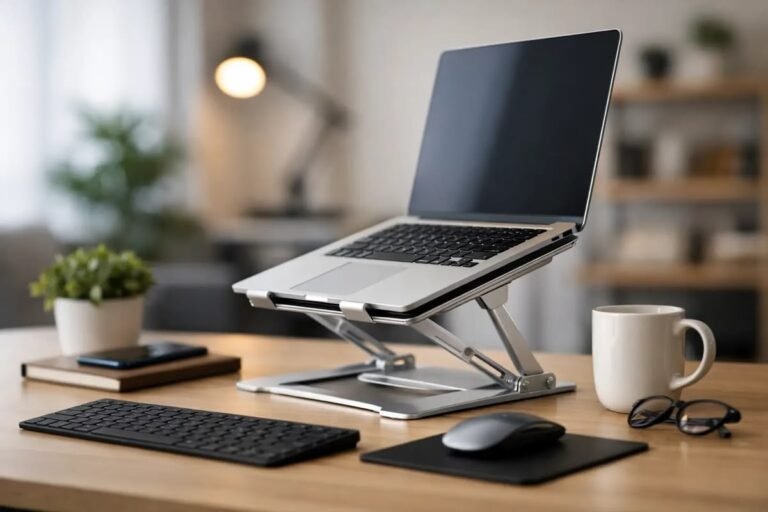
Works Well with External Accessories
A laptop stand pairs perfectly with:
- Wireless keyboards
- External mice
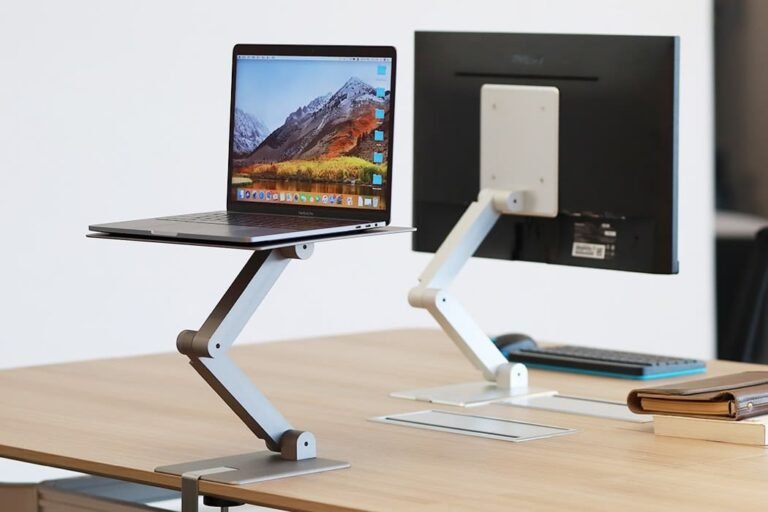
- External monitors
- USB-C docking stations
- Microphones
- Webcams
Together, these accessories create a comfortable desktop-style workstation while maintaining the flexibility of a laptop.
Improves Video Meeting Quality
Video calls have become an important part of daily work.
When your laptop is raised to eye level:
- The camera captures a more natural angle.
- Eye contact appears more professional.
- Lighting often improves.
- Your posture looks more confident.
These small improvements create a better impression during virtual meetings.
Reduces Wrist Strain
When paired with an external keyboard and mouse, a laptop stand helps keep your wrists in a neutral position.
This may reduce discomfort during long typing sessions and improve overall hand positioning.
Proper ergonomics are especially valuable for writers, programmers, and office professionals.
Encourages Better Workspace Organization
An organized workspace improves efficiency.
Laptop stands help organize:
- Charging cables
- USB hubs
- Documents
- Office supplies
- Computer accessories
Keeping your desk uncluttered reduces distractions and creates a more professional work environment.
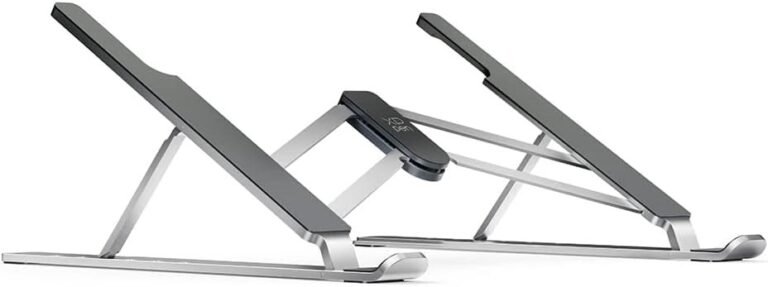
Portable and Easy to Carry
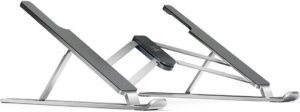
Many modern laptop stands are lightweight and foldable.
This makes them ideal for:
- Business travel
- Remote work
- Coffee shops
- Libraries
- Coworking spaces
Portable stands fit easily into laptop backpacks without adding much weight.
Supports Better Long-Term Health
Using proper ergonomic equipment every day may help reduce physical strain associated with prolonged computer use.
Combined with regular movement, stretching, and good sitting habits, a laptop stand contributes to a healthier work routine.
Compatible with Most Laptops
Most adjustable laptop stands support various laptop sizes, including:
- 11-inch
- 13-inch
- 14-inch
- 15.6-inch
- 16-inch
- 17-inch
Many models also support tablets and lightweight portable monitors.
Easy to Set Up
Laptop stands require very little setup.
Most models simply unfold and adjust to the desired height.
No software, batteries, or complicated installation is required, making them convenient for users of all experience levels.
Tips for Getting the Most from a Laptop Stand
To maximize comfort:
- Position the top of the screen near eye level.
- Use an external keyboard and mouse.
- Keep your elbows close to a 90-degree angle.
- Sit with your feet flat on the floor.
- Take short breaks every hour.
- Adjust screen brightness to reduce eye strain.
Following these practices creates a healthier workstation.
Common Mistakes to Avoid
Avoid these common errors:
- Using the stand too high or too low
- Typing directly on a raised laptop for long periods
- Ignoring chair height adjustments
- Buying an unstable stand
- Blocking laptop ventilation
- Forgetting regular posture breaks
Correct setup is just as important as the stand itself.
Frequently Asked Questions
Is a laptop stand really necessary?
While not required, it greatly improves comfort, posture, and productivity for people who use laptops for extended periods.
Does a laptop stand improve cooling?
Yes. Elevating the laptop improves airflow underneath the device, helping reduce heat buildup.
Should I use an external keyboard?
Yes. An external keyboard and mouse create a much more ergonomic workstation when using a raised laptop.
Can students benefit from laptop stands?
Absolutely. Students who spend hours studying or attending online classes can reduce neck and back strain with a properly adjusted stand.
Are foldable laptop stands durable?
High-quality aluminum foldable stands are both lightweight and durable, making them suitable for everyday use and travel.
Conclusion
Using a laptop stand every day is one of the simplest ways to improve your workspace. It promotes better posture, reduces neck and back strain, improves laptop cooling, enhances productivity, and creates a cleaner, more organized desk.
Whether you work in an office, study at home, or travel frequently, a laptop stand can transform your laptop into a more comfortable and efficient workstation. By choosing a stable, adjustable model and combining it with proper ergonomic habits, you can enjoy a healthier and more productive computing experience throughout 2026 and beyond.