
Introduction
USB-C has become the standard charging solution for many modern laptops, replacing traditional barrel-style power connectors. Its compact, reversible design and ability to deliver high levels of power have made it the preferred choice for manufacturers and users alike. Whether you own a lightweight ultrabook, a business laptop, or a high-performance workstation, chances are your device either supports or relies entirely on USB-C charging.
In 2026, USB-C laptop chargers offer faster charging speeds, improved compatibility, and greater convenience than older charging technologies. However, not every USB-C charger is the same. Differences in power output, charging protocols, cable quality, and compatibility mean that choosing the right charger is essential.
This guide explains everything you need to know about USB-C laptop chargers and how to select the best one for your laptop.
What Is a USB-C Laptop Charger?
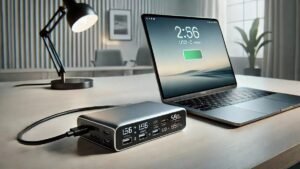
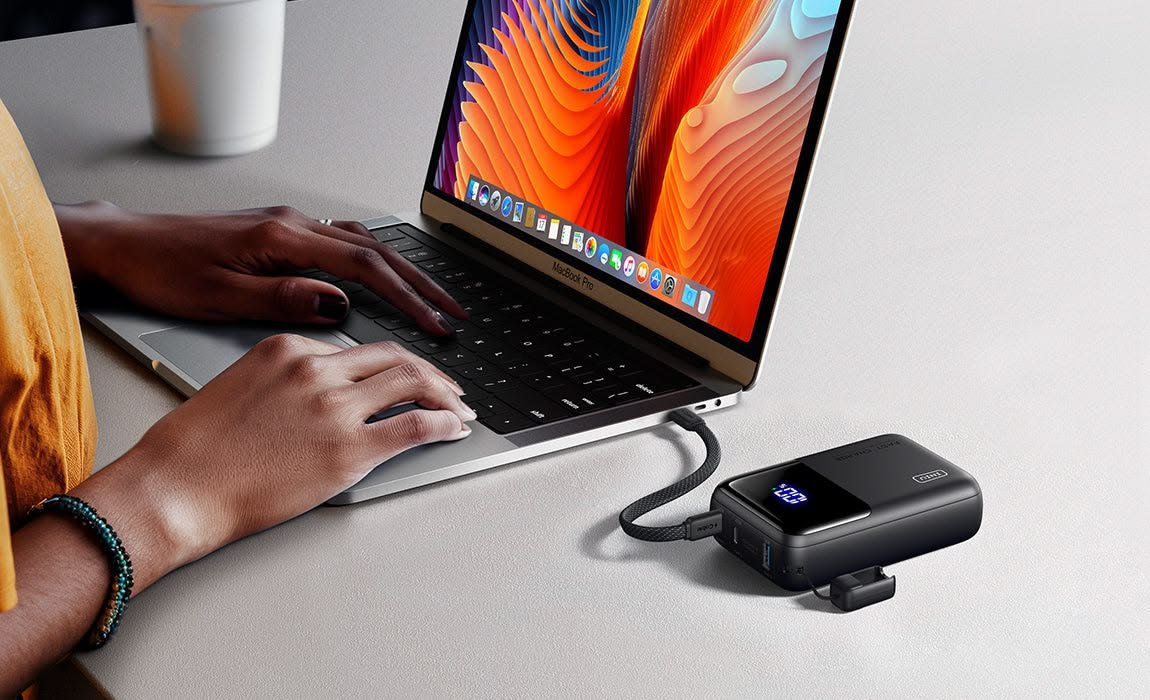
A USB-C laptop charger uses a USB Type-C connector to supply power to compatible laptops. Unlike older chargers that often worked with only one brand or model, USB-C chargers can support many different devices when they meet the required power specifications.
The reversible connector allows users to plug the cable in either direction, making it easier and more convenient to use.
How USB-C Charging Works
Most modern USB-C laptop chargers use USB Power Delivery (USB PD), a charging standard that allows devices and chargers to communicate with each other.
When connected:
- The charger identifies the laptop.
- The laptop requests the required power.
- The charger delivers the appropriate voltage and wattage.
- Charging begins safely and efficiently.
This intelligent communication helps protect both the charger and the laptop.
Benefits of USB-C Laptop Chargers
USB-C charging provides several advantages over older charging methods.
Some of the main benefits include:
- Faster charging
- Universal compatibility
- Compact design
- Reversible connector
- Reduced cable clutter
- Support for multiple devices
- Improved energy efficiency
These advantages make USB-C a practical choice for work, study, and travel.
USB Power Delivery (USB PD)
USB Power Delivery is the technology that enables USB-C chargers to deliver higher amounts of power safely.
Common USB PD charger ratings include:
- 45W
- 65W
- 90W
- 100W
- 140W
Higher-wattage chargers are designed for laptops with greater power requirements.
Understanding Wattage
Wattage indicates how much power a charger can supply.
45W Chargers
Suitable for:
- Lightweight laptops
- Entry-level ultrabooks
- Basic office work
65W Chargers
Commonly used for:
- Business laptops
- Student laptops
- Everyday productivity
90W to 100W Chargers
Ideal for:
- Larger laptops
- Professional workloads
- Content creation
- Programming
140W Chargers
Often designed for:
- High-performance laptops
- Powerful mobile workstations
- Some premium notebooks
Always check your laptop manufacturer’s recommended wattage before purchasing.
USB-C Cable Quality Matters
The cable plays an important role in charging performance.
A quality USB-C cable should offer:
- High power support
- Durable insulation
- Reinforced connectors
- Reliable data transfer
- Heat resistance
Using a low-quality cable may reduce charging speed or limit available power.
Can One Charger Power Multiple Devices?
Yes.
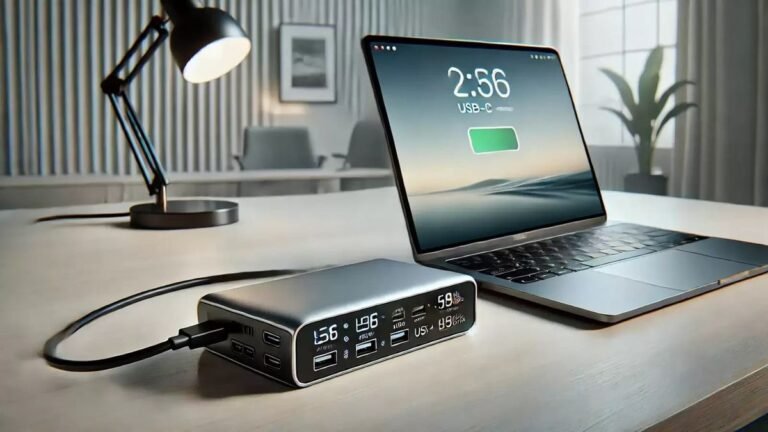
Many USB-C chargers support multiple devices, including:
- Laptops
- Smartphones
- Tablets
- Wireless earbuds
- Portable gaming devices
- Portable monitors
Multi-port chargers are especially useful for travelers who want to reduce the number of chargers they carry.
Fast Charging
Many laptops support fast charging through USB Power Delivery.
Benefits include:
- Less waiting time
- More productivity
- Convenient travel charging
- Quick battery recovery
Both the laptop and the charger must support fast charging to achieve the best results.
Travel Advantages
USB-C chargers are excellent travel companions because they are:
- Compact
- Lightweight
- Easy to pack
- Compatible with multiple devices
Instead of carrying separate chargers for every device, many travelers use a single high-quality USB-C charger.
Safety Features
A quality USB-C charger should include built-in protection systems.
Look for features such as:
- Over-voltage protection
- Over-current protection
- Short-circuit protection
- Temperature protection
- Overload protection
These safety measures help protect your laptop and connected devices.
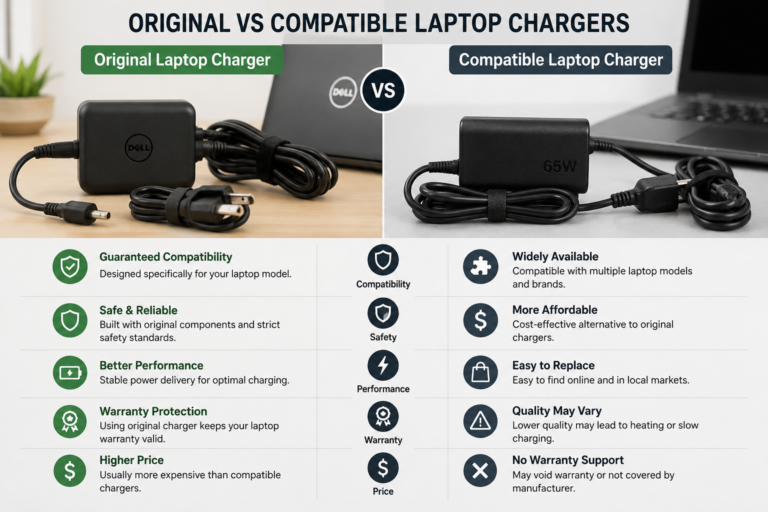
Original vs Compatible USB-C Chargers
When buying a replacement charger, you have two main choices.
Original Charger
Advantages:
- Designed specifically for your laptop
- Excellent compatibility
- Reliable performance
- Manufacturer support
Compatible Charger
Advantages:
- Often more affordable
- Widely available
- Can support multiple laptop brands
Choose compatible chargers only from trusted manufacturers with proper safety certifications.
Common USB-C Charging Myths
Myth 1: Every USB-C Charger Is the Same
Not true.
USB-C chargers differ in wattage, charging standards, and supported features.
Myth 2: Higher Wattage Will Damage the Laptop
Generally false.
A compatible laptop draws only the power it needs, provided the charger follows USB Power Delivery standards.
Myth 3: Every USB-C Port Supports Charging
Not always.
Some USB-C ports are designed only for data transfer or display output. Always check your laptop’s specifications.
Tips for Choosing the Right USB-C Charger
Before purchasing:
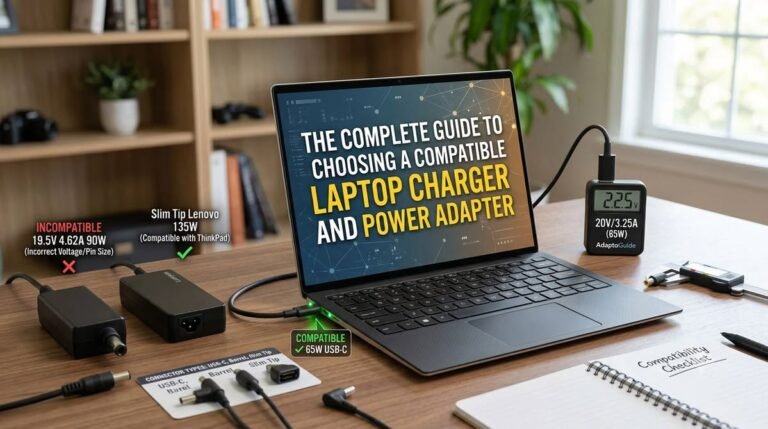
- Verify your laptop supports USB-C charging.
- Match the recommended wattage.
- Buy a certified charger.
- Use a high-quality USB-C cable.
- Check customer reviews.
- Confirm warranty coverage.
- Purchase from reputable manufacturers.
These steps help ensure safe and reliable charging.
Common Buying Mistakes
Avoid these mistakes:
- Buying insufficient wattage
- Choosing uncertified chargers
- Ignoring cable quality
- Assuming all USB-C ports support charging
- Purchasing unknown brands without safety features
Making informed decisions helps protect your laptop and battery.
Frequently Asked Questions
Can I charge my laptop with any USB-C charger?
Only if the charger provides enough power and your laptop supports USB-C charging.
Is USB-C faster than older chargers?
Many USB-C chargers support USB Power Delivery, allowing significantly faster charging than older technologies.
Can one USB-C charger replace multiple chargers?
Yes. A suitable USB-C charger can often power several compatible devices, reducing clutter and improving portability.
Does cable quality affect charging?
Yes. A high-quality USB-C cable supports better charging performance, durability, and reliability.
Should I buy an original charger?
Original chargers offer guaranteed compatibility, while certified third-party chargers can also provide excellent performance when they meet the required specifications.
Conclusion
USB-C laptop chargers have transformed the way laptops are powered by offering faster charging, universal compatibility, and greater convenience. Thanks to USB Power Delivery technology, a single charger can safely power many modern laptops and other electronic devices while reducing cable clutter and improving portability.
When choosing a USB-C charger, pay attention to wattage, compatibility, cable quality, safety certifications, and overall build quality. Investing in a reliable charger ensures efficient charging, protects your laptop’s battery, and provides dependable performance for work, study, and travel throughout 2026 and beyond.